Navigating AppFaktors
My profile settings
To configure your profile settings:
- Click the User Settings menu at the top-right of the page.
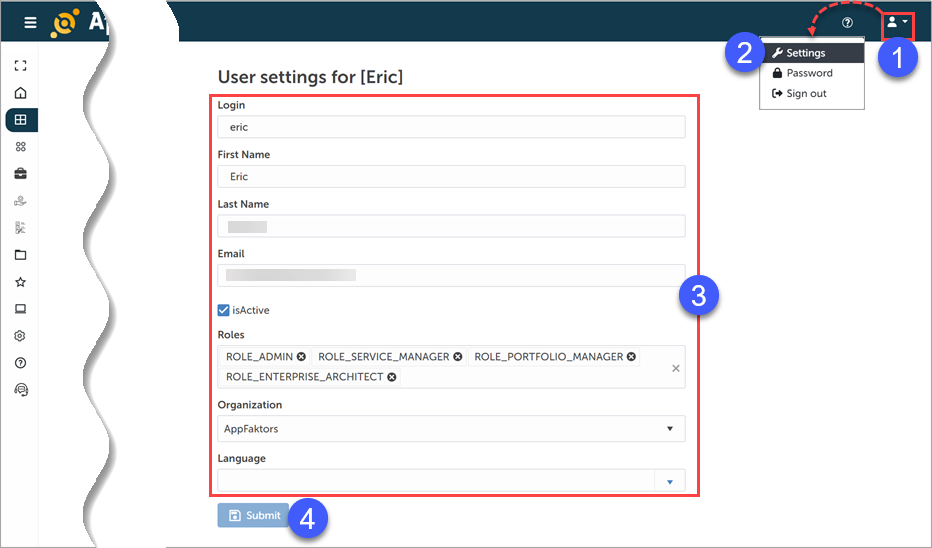
- Select Settings.
- Configure the user settings fields.
- Click Submit.
Note: You can also use the User Settings menu to configure your password and to sign out of the system.