Home > Assessments
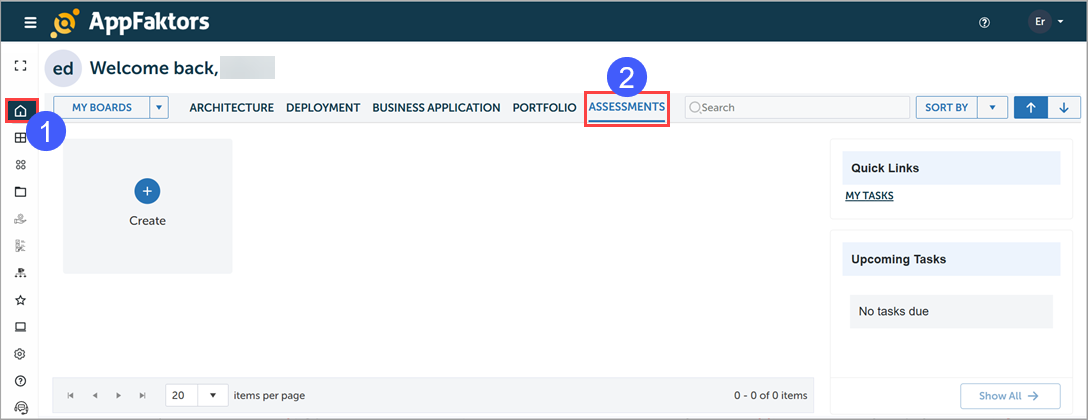
Depending on your role, you may see the ASSESSMENTS tab on your Home page.
Managing Assessments
Use the ASSESSMENTS tab to create and manage assessments.
Creating assessments
To create an assessment:
- Click the Home button.
- Select the ASSESSMENTS tab.
- Click the Create button.
- Either select a pre-defined assessment from the templates provided or create a new assessment.